
Sift Agents

Understand your hardware faster.
Build on every answer.

Sift Agents investigate your hardware data, connect findings to the evidence, and help turn what you learn into reusable checks.

See how Orbital Ops cut analysis between tests from 30+ minutes to ~1 minute
Scroll to investigate
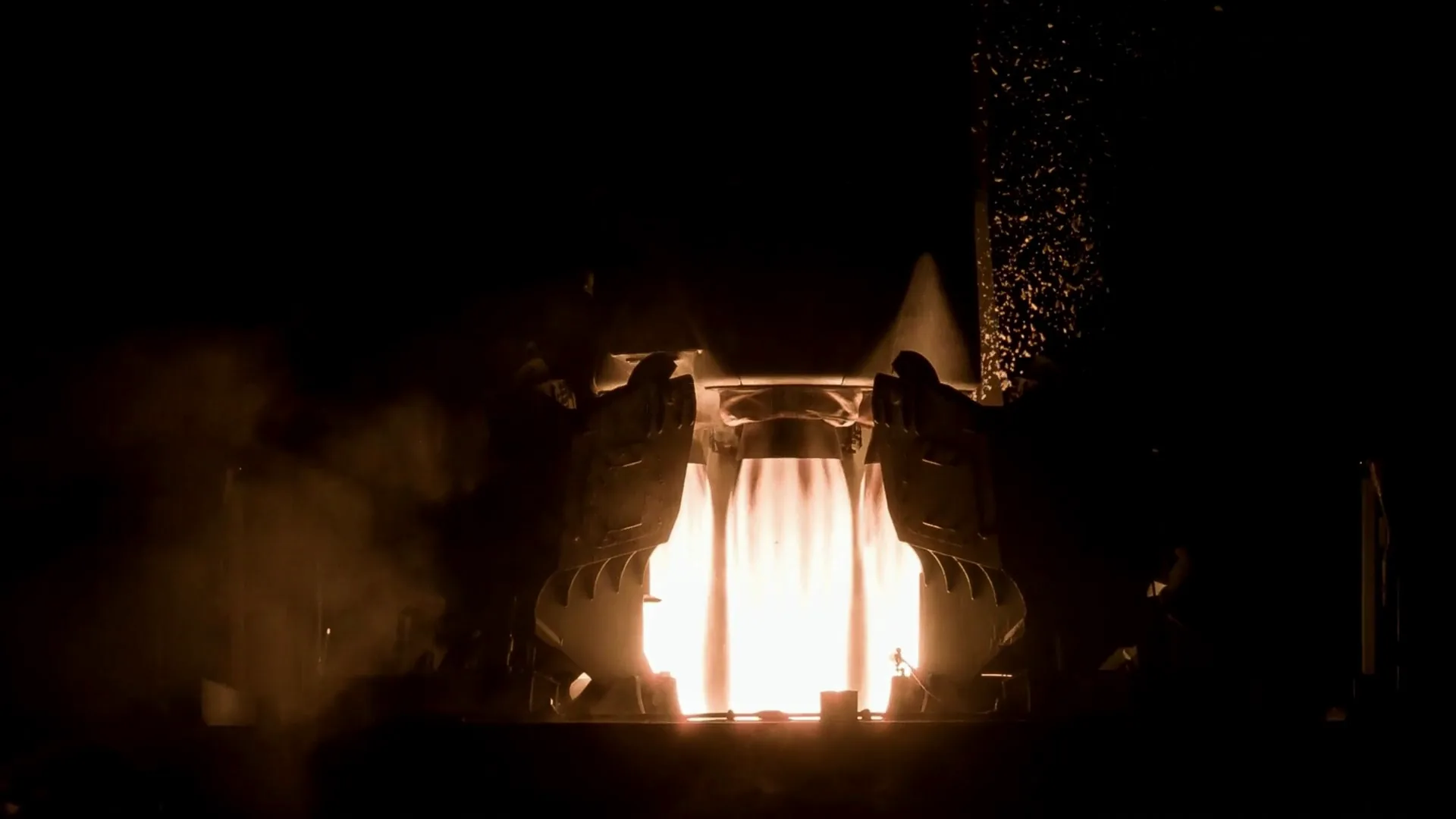
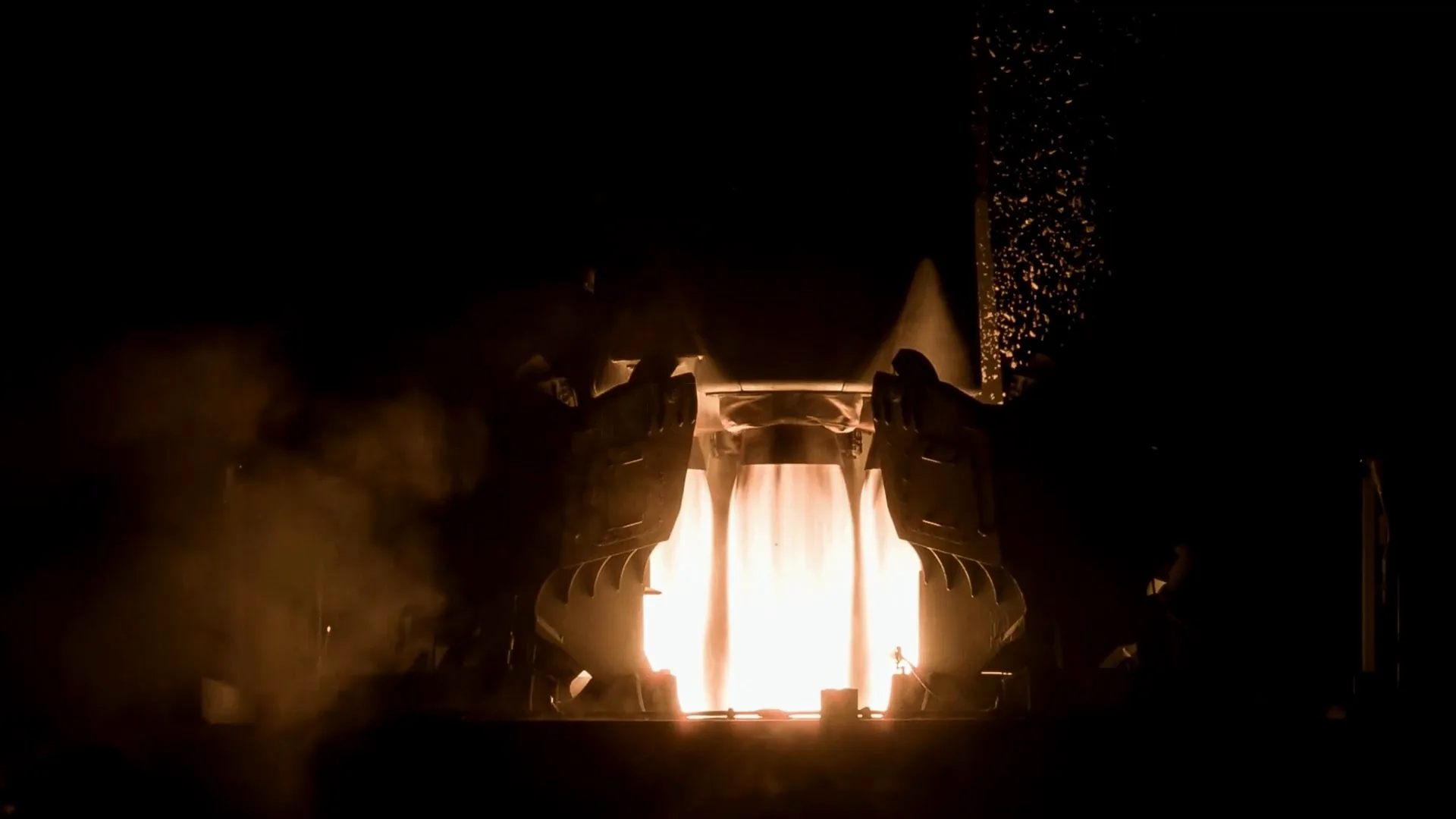
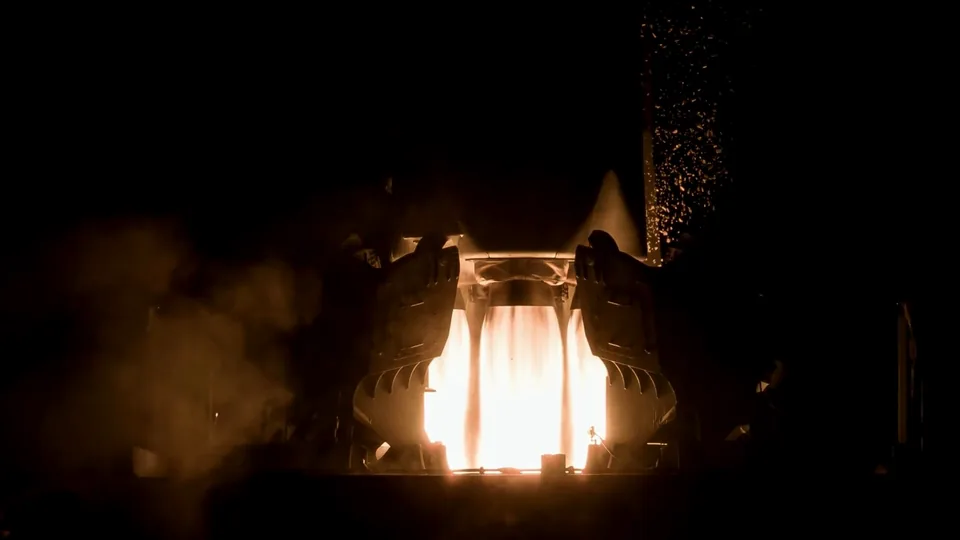
Engine footage: a rocket engine cluster firing at night, with bright exhaust, sparks, and smoke.
Engine footageVisual context for the demo
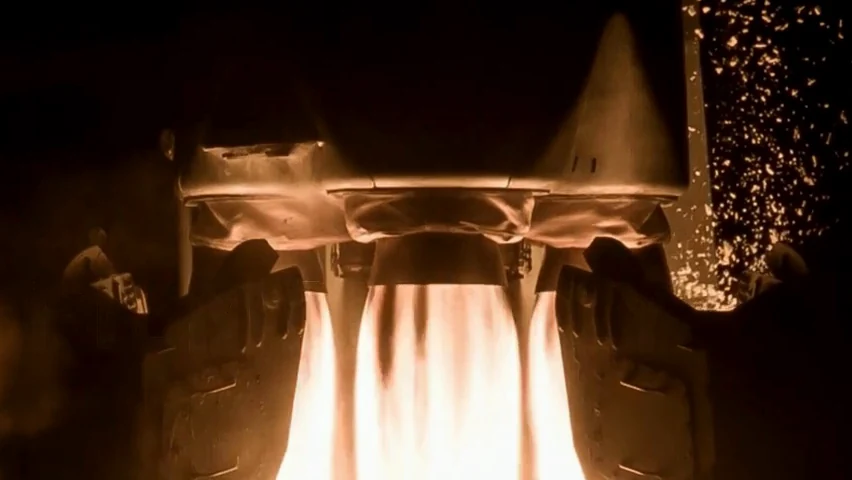
Close view of the engine cluster at clip time 00:05.6, with an orange bracket around the nozzles and thrust structure.
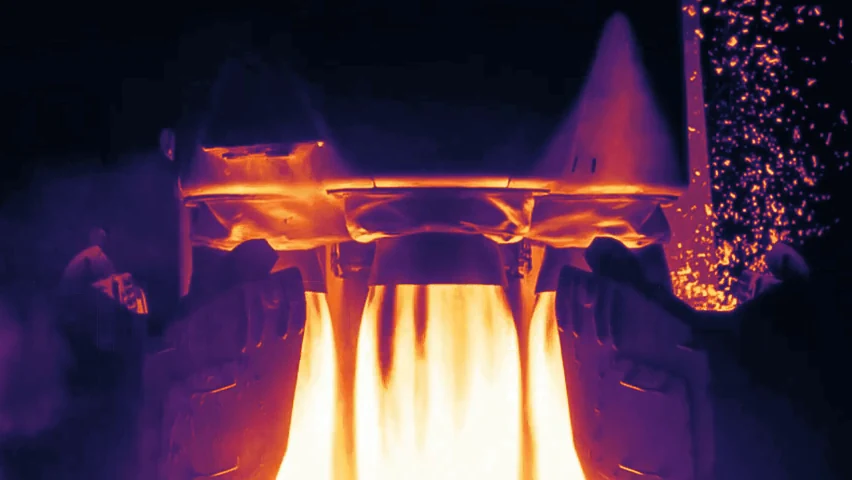
The same frame in a simulated thermal palette: brighter areas map to warmer colors. Simulated thermal
Chamber pressure · run 12 · demo00:00.0 to 00:10.0

Pressure transient Clip 00:05.0 to 00:06.2

Sift Agents in action

Investigate faster.
Put findings to work.

Move from an unexpected test result to evidence you can inspect, answers you can share, and checks you can reuse.

New chat

01 / Ask

Engineer: Was that pressure spike expected?

Run 12Interval 00:05.0 to 00:06.2

02 / Investigate

Sift Agents:

The spike matches the reference startup pattern. Pressure returns within range before startup ends.

Explore / Chamber pressure
Chamber pressure · bar
Run 12Selected intervalRun 9 referenceRange after startup
Run 12 peak
113.4 bar · 00:05.5
Run 9 peak
111.3 bar · 00:05.4
Back under 104 bar
00:05.8
After 00:07.0
97.1 to 98.5 bar

Matches reference startup · in range after startupCompares chamber pressure with one reference run.

Video · Camera 1Open in Explore

Engine footage at clip time 00:05.6, inside the selected interval.

Simulated thermalSame frame

The same frame in a simulated thermal palette.
00:05.600:10.0

SelectedSaved with review v1 00:05.0 to 00:06.2

03 / Act

Engineer: Create a check for sustained pressure deviations after startup.

Sift Agents:

The check excludes startup and flags a sustained pressure deviation in Run 6.

RejectSomething elseApprove

Review saved. Check saved as a draft.

Engine startup review · v1

Explore / Check preview
DRAFT propulsion.chamber_pressure.mainstage_rangeProposed · not savedSaved draft · off

Flag pressure that remains outside the expected range after startup.

Evaluated during mainstage92 to 104 bar · 0.5 s

Startup · not evaluatedMainstage

00:0000:07.000:10

Run 6 · 00:08.1 to 00:09.0

Startup cleared.Run 6 deviation flagged.

Preview on 10 recorded demo runs, nothing saved
10 demo runsHitsWindow
Run 120Startup spike not evaluated
Run 90None
Run 6100:08.1 to 00:09.0
Runs 1 to 5, 7, 80None
Rule expression and event timeline
persistence(($1 < 92 || $1 > 104) && $2 == 'MAINSTAGE', 0.5)
$1
engine.chamber_pressure_bar
$2
engine.phase (enum: OFF, STARTUP, MAINSTAGE, SHUTDOWN)

Evaluates only while the phase is MAINSTAGE, so startup, shutdown, and off periods are excluded. A hit needs pressure outside 92 to 104 bar for at least 0.5 s. Saving it as a draft does not enable it.

Run 12 event timeline, demo telemetry
Clip timeObservationBar
00:00.0Phase STARTUP; rule not evaluated40.0
00:05.0Selected interval opens97.8
00:05.5Peak, 2.1 bar above the reference peak113.4
00:05.8Back under 104 bar102.3
00:06.2Selected interval closes96.1
00:07.0Phase MAINSTAGE; rule evaluates 92 to 104 bar97.9
00:10.0End of clip window; no sample outside the range97.1 to 98.5

04 / Reuse

Engineer: Check Run 13 against the saved review.

Engine startup review · v1

Sift Agents:

Run 13 matches the saved startup pattern. No sustained pressure deviations flagged.

Explore / Run 13
ReusingEngine startup review · v1…mainstage_range · draft, off
Run 13 vs saved review · bar
Run 13Run 12 (saved review)Range after startup

Matches saved startup pattern · peak 112.0 bar at 00:05.6

Saved check: 0 hits · 97.2 to 98.7 bar after startup

Customer results

Less time on analysis.
More time for engineering.

Propulsion and test
With Sift Agents
Before: 30+ minutes Now: ~1 minute Analysis between tests
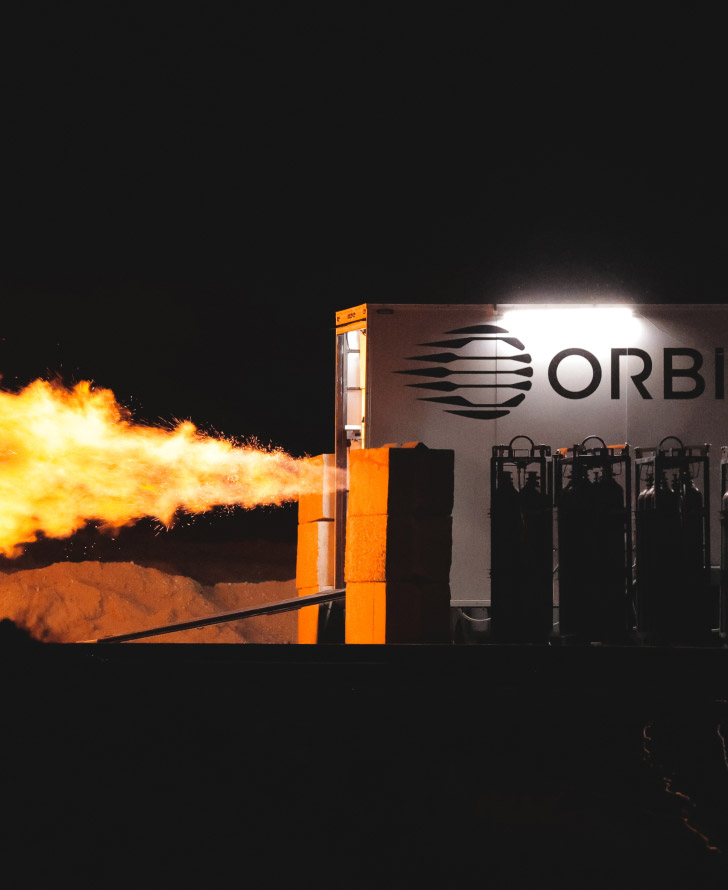
Orbital Ops engine hotfire on the test stand
“When we’re running tests back to back, I can check a hunch against the data in minutes and use what I learn in the next test.”
Nico MontoyaHead of Propulsion, Manufacturing, and Test Operations, Orbital Ops

Manufacturing
With Sift MCP
Before: One week Now: One afternoon Recurring production investigation
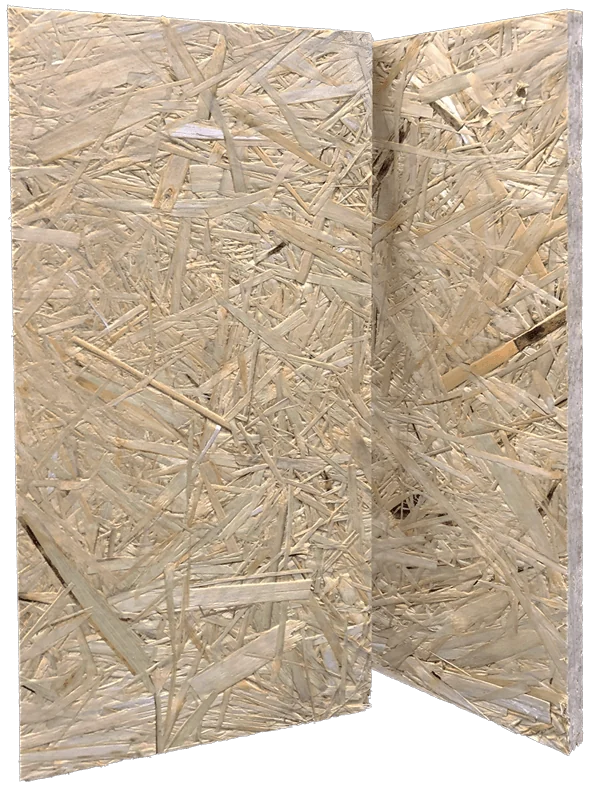
Plantd building panels
“This is saving me dozens of hours a week, easily!”
Matthew BarrProcess Engineer, Plantd

Customer-reported results for the workflows shown.

Across the hardware lifecycle

Bring your next engineering question.

Example Sift Agents conversation with demo data.

Engineer: What changed between these two builds?

Sift AgentsSifting…

Sift Agents: Build B’s motor controller runs 6 °C warmer at full load. Bus voltage and vibration match Build A within tolerance.

Controller temperature · full loadBuild A vs Build B

Bus voltage and vibration within tolerance

Your data. Your engineering judgment.

Know what runs.
Control what changes.

Give your team the tools to investigate deeply, inspect the evidence, and turn findings into work they can reuse.

Sift runs the investigation.

Purpose-built tools connect your assets, runs, channels, and existing checks. Agents use Python and SQL to analyze behavior and build visualizations you can inspect.

You control what changes.

Agents inherit your Sift permissions. Review the evidence, steer the investigation, and approve proposed changes before they are applied.

Your team builds on the result.

Turn findings into reusable rules, calculated channels, and reports. Save and share the investigation so the next engineer can continue from the work already done.

More questions. Less overhead.

Focused context and purpose-built analysis tools help avoid unnecessary token usage, so your team can explore more questions while keeping investigation costs in check.

Bring the question slowing your team down.

Work through a real engineering investigation with Sift. Inspect the evidence, explore the result, and see what your team can carry into the next test.

Already use an AI agent?

What can Sift Agents do?

Find relevant hardware data, compare runs, investigate unusual behavior, perform calculations, and generate visualizations. Agents can also help create rules, calculated channels, and reports, with engineers reviewing proposed changes.

Can Agents perform custom analysis?

Yes. Agents use Python and SQL to investigate questions that need custom calculations or comparisons. Describe what you want to understand, then inspect the analysis and refine it through follow-up questions.

What context does an investigation use?

Agents work with your Sift assets, runs, channels, rules, and annotations. This connects the measurements to the hardware, test history, and existing review work behind your question.

Can we reuse the work beyond one conversation?

Yes. Save and share investigations, and turn useful findings into rules, calculated channels, and reports. Your team can apply that work to other runs and build on it as testing continues.

How does Sift keep investigations efficient?

Sift uses focused context and purpose-built analysis tools to retrieve and process relevant data. This helps limit unnecessary information in the conversation and avoid unnecessary token usage.

What is available today?

Sift Agents and Sift MCP are available. Request access to use Agents in Sift, or connect your existing AI tools through MCP.

How do I get access?

Request Agents Access using this form. Our team will help you get started and confirm the right setup for your program.

Which deployment fits our program?

Sift Agents runs in your Sift environment. Discuss GovCloud, VPC, or on-premises requirements with our team to confirm which options fit your program. Sift MCP runs on your machine; what reaches an external model depends on your agent and configuration.

Request Sift Agents access